

Where is the manual, and which part am I looking at?
Keep manuals, warranties and visual guidance with the product or location—not hidden in an inbox.
- The right manual, at handKeep guidance with the product or place it belongs to.
- Make the detail clearPair written instructions with useful photos and diagrams.
- Update once, share widelyReuse common resources across relevant assets.
DocumentsImage galleriesShared resources
9:41
Resource library
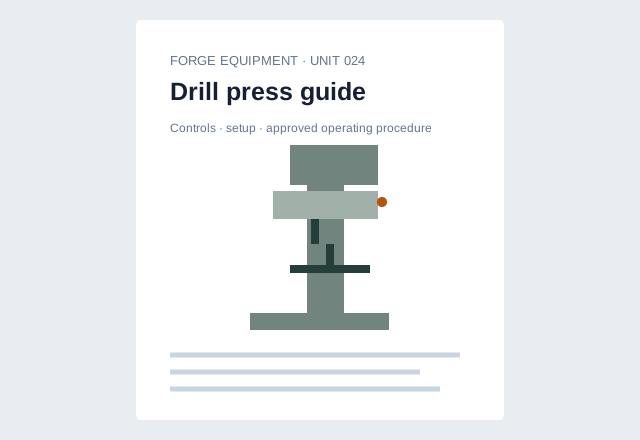
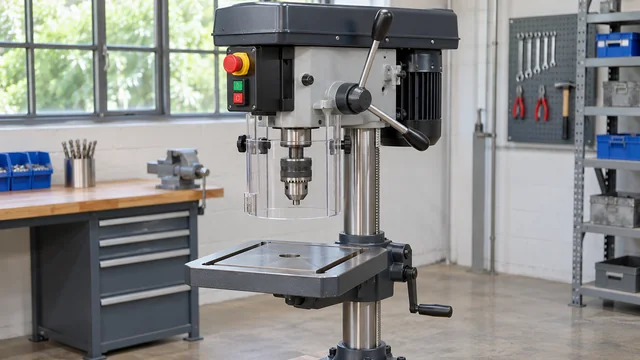
Operating manualShared document · relevant assets
PublicWarranty informationAsset-specific information
CustomerIdentify the componentAn image beside the explanation
Information and actions together
Find the relevant document or image in the asset’s information hub.
People can identify the right information and carry on with more confidence.
See the useful next step
A closer look at documents & images.
- 01
Bring the information together
Put manuals, specifications, warranties and supporting images in context.
- 02
Share the common resources
Reuse the same document across relevant assets instead of uploading separate copies.
- 03
Keep the right audience in mind
Separate public guidance from customer and internal resources.
Manage it without repeating the work
A better service, with less repeated setup.
Create a reusable information pack with templates. Maintain the shared resource centrally, with asset-specific resources alongside it.
Make it feel like your organisation.
Use your identity consistently and choose appropriate public, customer or internal access for the resources you share.
Explore branding and themes →Put it to work
Useful in more than one setting.
 Products & aftercare
Keep helping after the product leaves your hands.
Give customers a practical route to care instructions, how-to guidance and support for the product in front of them.
Explore products & aftercare Installations & handovers
A good handover should keep being useful.
Keep appliance instructions, warranty documents and support with the customer after installation.
Explore installations & handovers Equipment & checks
Guidance beside the machine. A better record of the check.
Connect operating information and configured checks to the equipment your team uses.
Explore equipment & checks