

QR codes, supercharged.
One QR code.
Everything you need.
Put videos, documents, images, contacts and forms behind the code on your product, equipment or place. Give people a branded hub of information and actions relevant to the thing in front of them.
- A choice of useful resourcesLet people watch, read or find help from the same starting point.
- The right information, in contextChoose the content and forms that fit this asset and its users.
- Your brand. Less repeated work.Use themes, templates and shared resources to maintain it centrally.
 The equipment in front of you

Workshop · Unit 024
Your drill press guide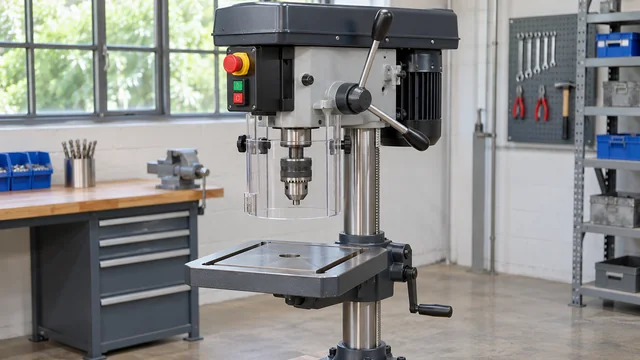 Get to know the controls
Optional AI assistance
Choose the resources and actions that fit your users. Start with the benefit, then see how each feature works.
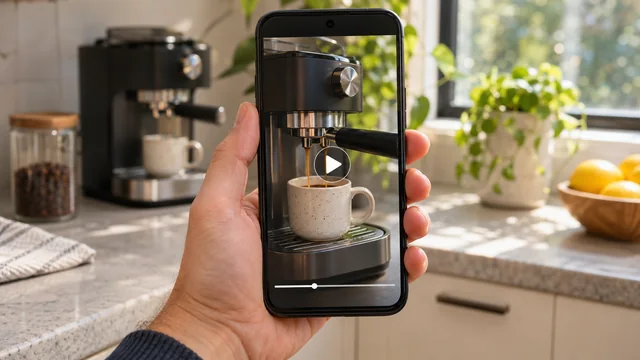
Show the answer.
Make a practical demonstration available at the moment of need.
Help people see how it works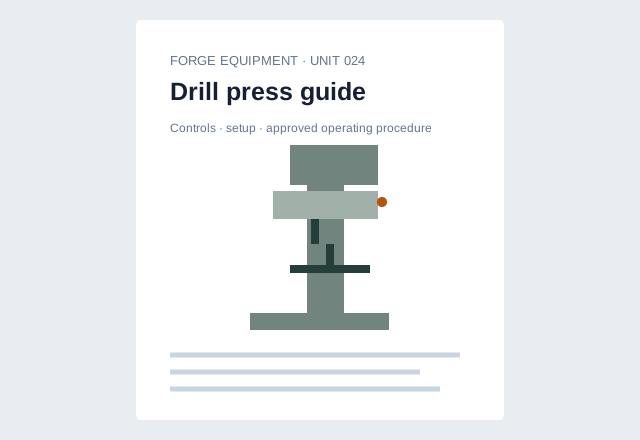
Keep the details close.
Bring manuals, warranties and visual guidance to the product or place.
Put information within reachGet useful context first.
Collect relevant answers and evidence, ready for your team to review.
Turn questions into useful reportsAnother way to find help.
Explore asset information with optional AI; separate costs and availability apply.
Explore asset-question assistance Your welcome. Your resources.Your welcome. Your resources.
 Your welcome. Your resources.
A welcome that feels like you.
Carry your logo and colours through the information journey.
Make the experience your ownReuse the common starting point
Prepare once. Reuse the work.
Start from templates and manage shared content in one place.
Spend less time setting upThe right help for each audience.
Choose resource visibility and keep management in authorised hands.
Share with the people who need it Scan for your next step
Make the scan useful.
Open a hub, resource or form from a sticker, poster or card.
Connect the scan to the next stepAvailability and configured options are confirmed for your rollout.
One platform, different combinations
See the features working together.
Explore a product, a property, a vehicle or a place—and the useful service you can build around it.